1 minute readImproved
Choose which account alerts you get
The Notifications tab on your profile has a switch for each kind of alert, by email and in the app: billing, team, keys and low balance.
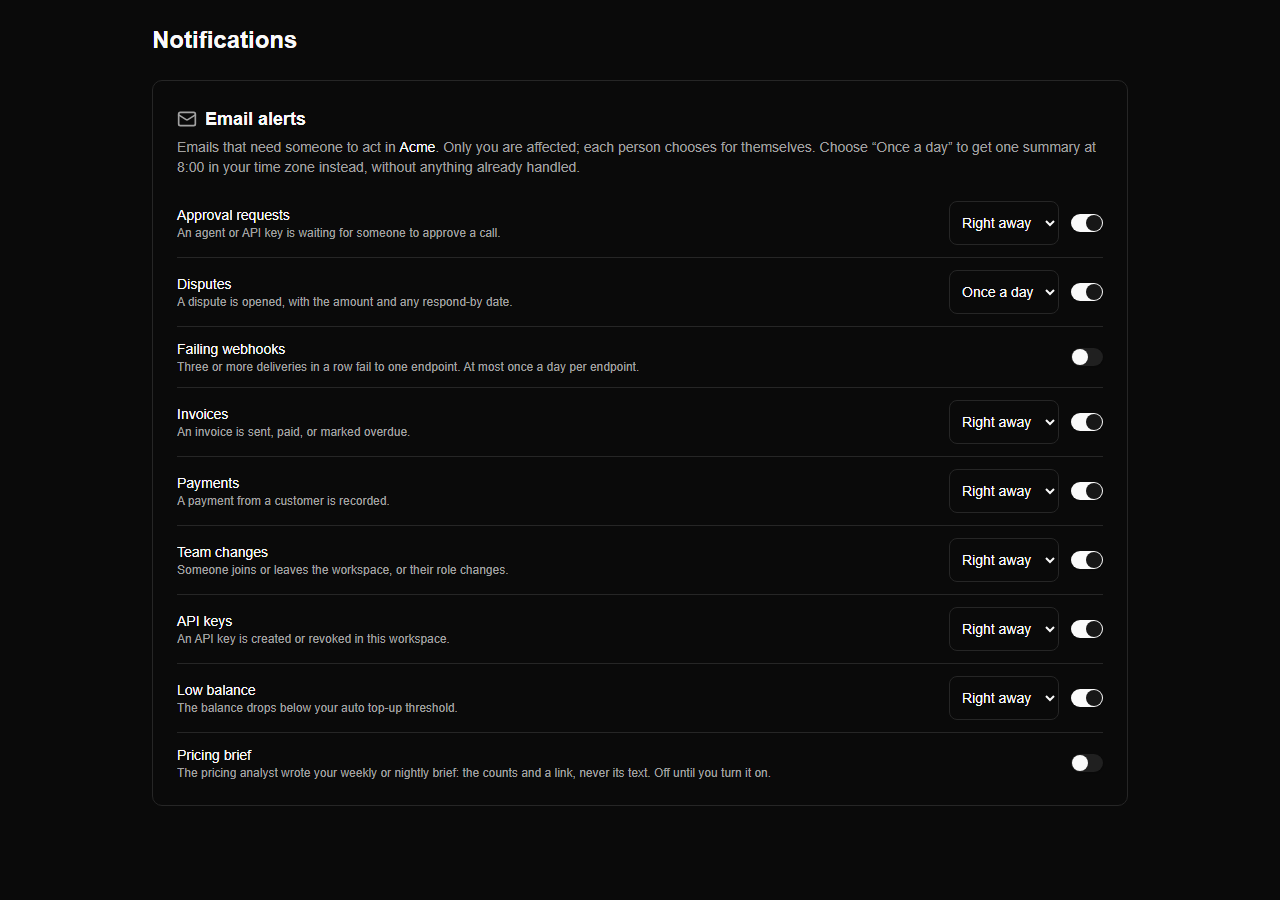
Profile, Notifications has separate email and in-app switches for invoice and payment updates, team changes, key changes and low balance. They apply across your workspaces, alongside each workspace's own email-alert settings.
Switching off an in-app category removes it from the notifications list and the unread count.