1 minute readNew
Use the dashboard in nine languages
Choose French, Spanish, German, Portuguese, Japanese, Simplified Chinese, Korean or Arabic in Profile, Locale and display. Arabic reads right to left.
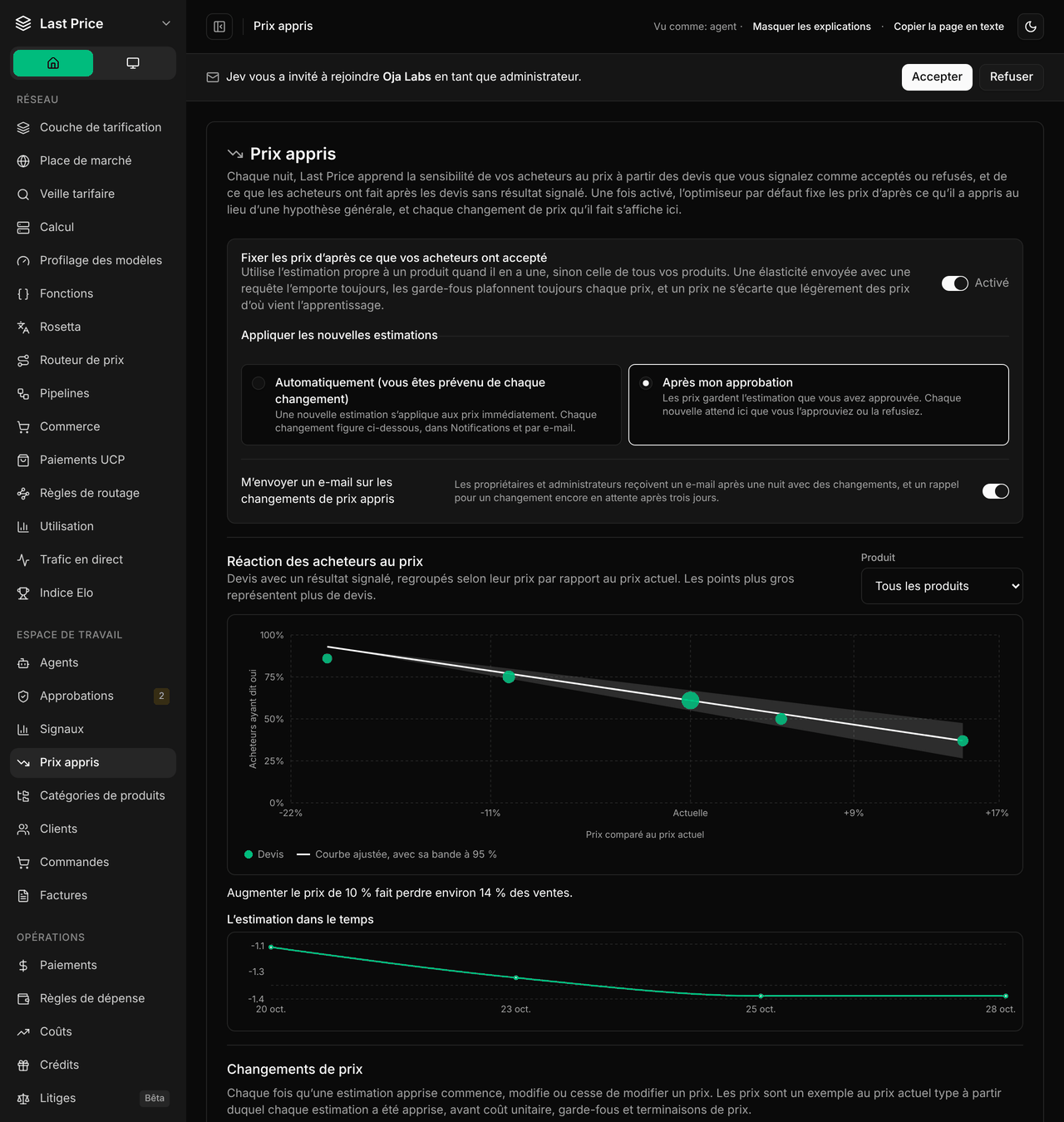
- Sign in, sign up and password reset, your Profile, menus, the Settings menu, the workspace switcher, invitations, Get started and the Agents page follow your language, as do copy buttons on code snippets.
- In Settings: Team, the audit log (every change written as a whole sentence), API keys and their permissions, Company and Billing, including the prepaid balance.
- Also in Settings: your AI key and inference providers, Integrations, Offers, Price guardrails and the tester tag.
- Also in Settings: the sales playbook, storefronts, tax and value receipts. Country names in the tax settings show in your language.
- Approvals and Signals follow your language too, including each step of a request and the names of common events.
- Learned pricing follows your language: the switch, each price change, every estimate, the buyer reaction chart and the pricing analysis.
- Before sign-in, the app uses the language last chosen on that device, or your browser's language.
- Numbers, plurals and dates follow the language.
Screens not yet translated stay in English.