2 minute readNewAgent-ready
Your agent can price an item from a photo
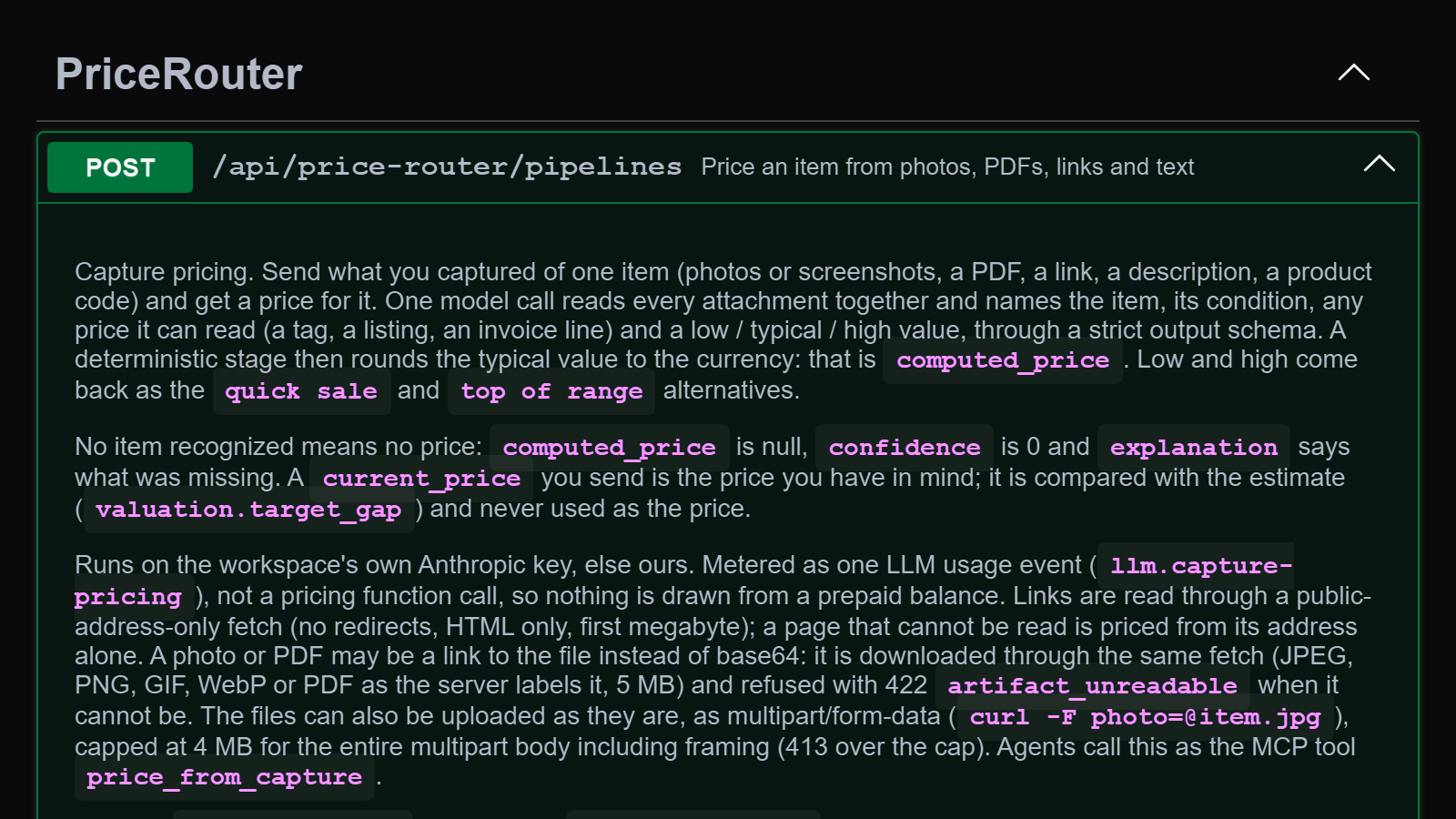
A new MCP tool, price_from_capture, gives an agent the same pricing as the mobile app: send photos, a PDF, a link, a few words or a barcode and get a price, its range, and a listing or an offer message ready to send.
- One call.
price_from_capturetakes what the agent has about one item: photos or screenshots, a PDF such as a receipt, a product link, a description or a barcode, up to 12 in all. It returns the price, the range, the brand, model and condition, any prices read off the photos, and what would sharpen the price. - Selling or buying. Set
side. A seller gets an asking price, a quick-sale price, the top of the range and a listing to post. A buyer gets an opening offer, the most to pay and a message to the seller. - A link to share. Each price comes with a link to a card showing it.
- Your price. Send
current_priceand the answer compares it with the estimate. - Full-size photos. A photo or PDF can be a link we download, up to 5 MB per file, or a direct upload from a terminal, up to 4 MB in total.
- Chat attachments. A chat app that passes attachment references can send the photo straight to the tool.
- No guesses. If the photos do not show an item it can identify, there is no price and the answer says what to add.
- Packages. The LangChain, AI SDK and Agents SDK packages include the tool, and the client has
priceFromCapture.