1 minute readNewAgent-ready
Download pricing receipts and agent value statements
Request a receipt for a priced call or a statement for a period, with recorded costs and the signal values you configure.
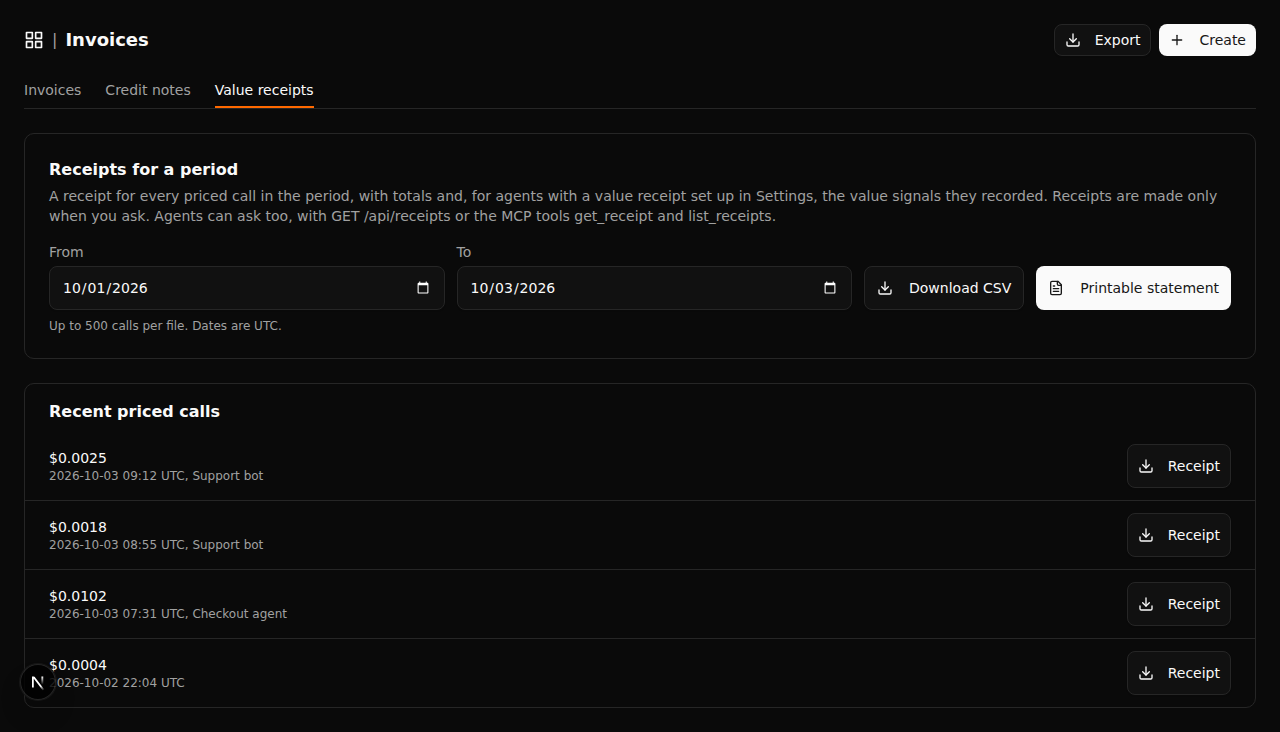
Open Invoices > Value receipts, or use GET /api/receipts/{id} for one call and GET /api/receipts for a statement. JSON, CSV and printable HTML are available; MCP clients can use get_receipt and list_receipts.
- Receipts identify the call, pricing function, agent, recorded amount and any reported outcome.
- Configure an agent's signals and value per occurrence in Settings > Value receipts. The configuration is saved with that agent.
- Human-value equivalent is the recorded signal count multiplied by your configured value. It is an assumption-based comparison, not measured labor savings.
- Cost totals use recorded pricing-call amounts and separately recorded costs. Non-USD costs are listed separately rather than converted. ROI is shown only when the required values and positive USD costs are available.
An agent-bound credential can read receipts for that agent's calls. Statements are generated when requested.